
FITS for Shopify clothing stores
AI virtual try-on for Shopify
Let shoppers see your clothing on their own photo.
AI clothing previews for Shopify product pages
One model. Four looks.
Choose an item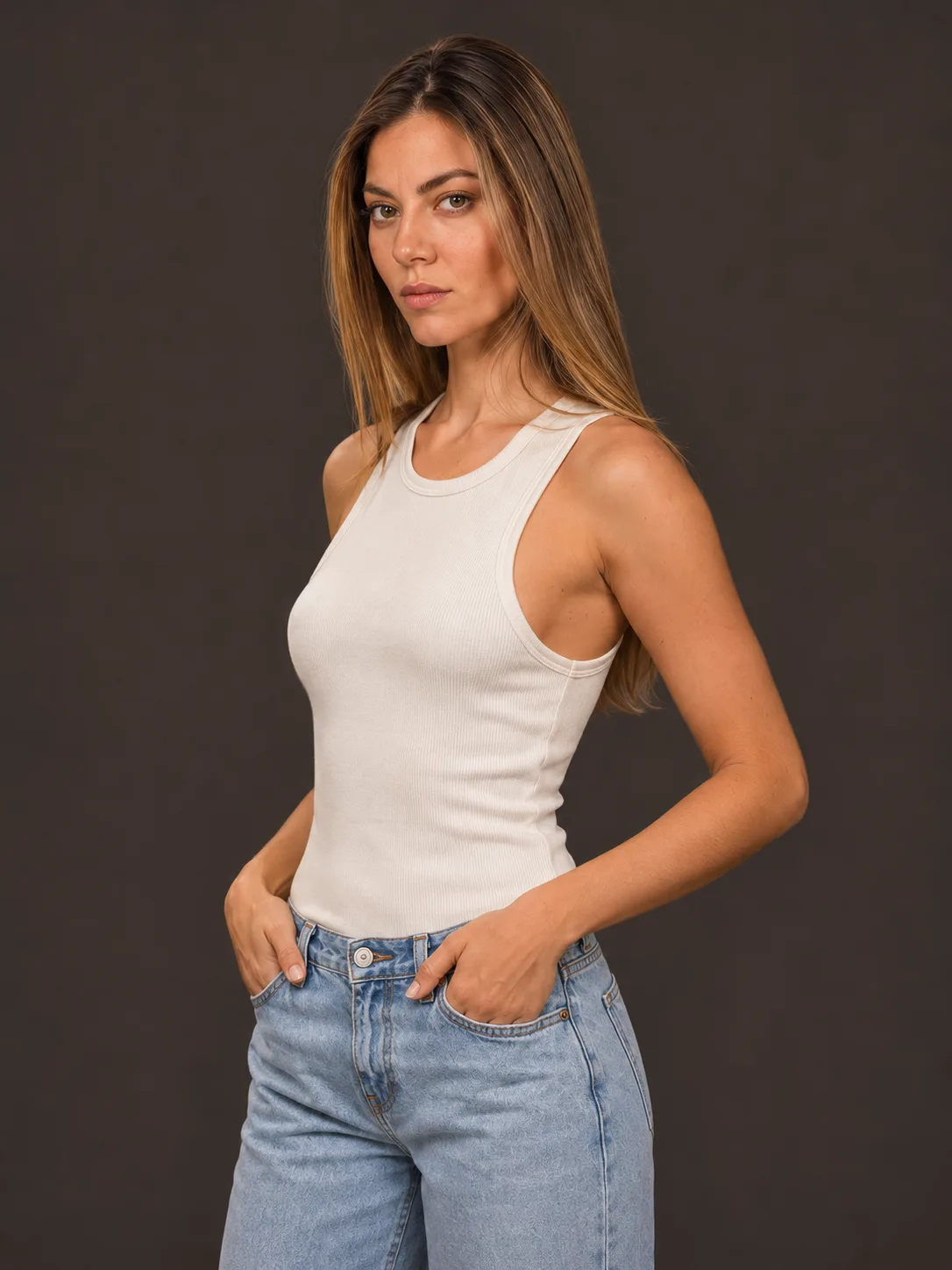 Design conceptWhite sleeveless top01 / 04
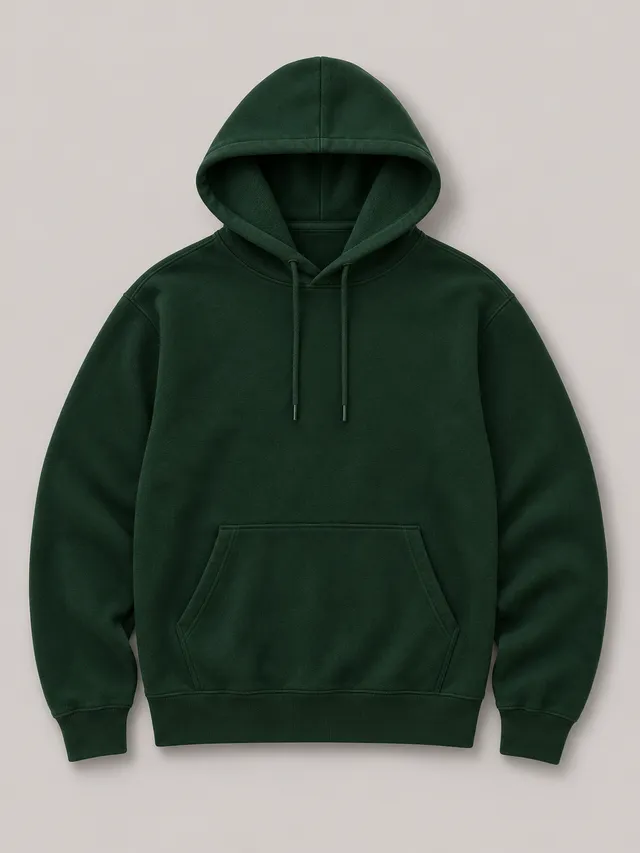
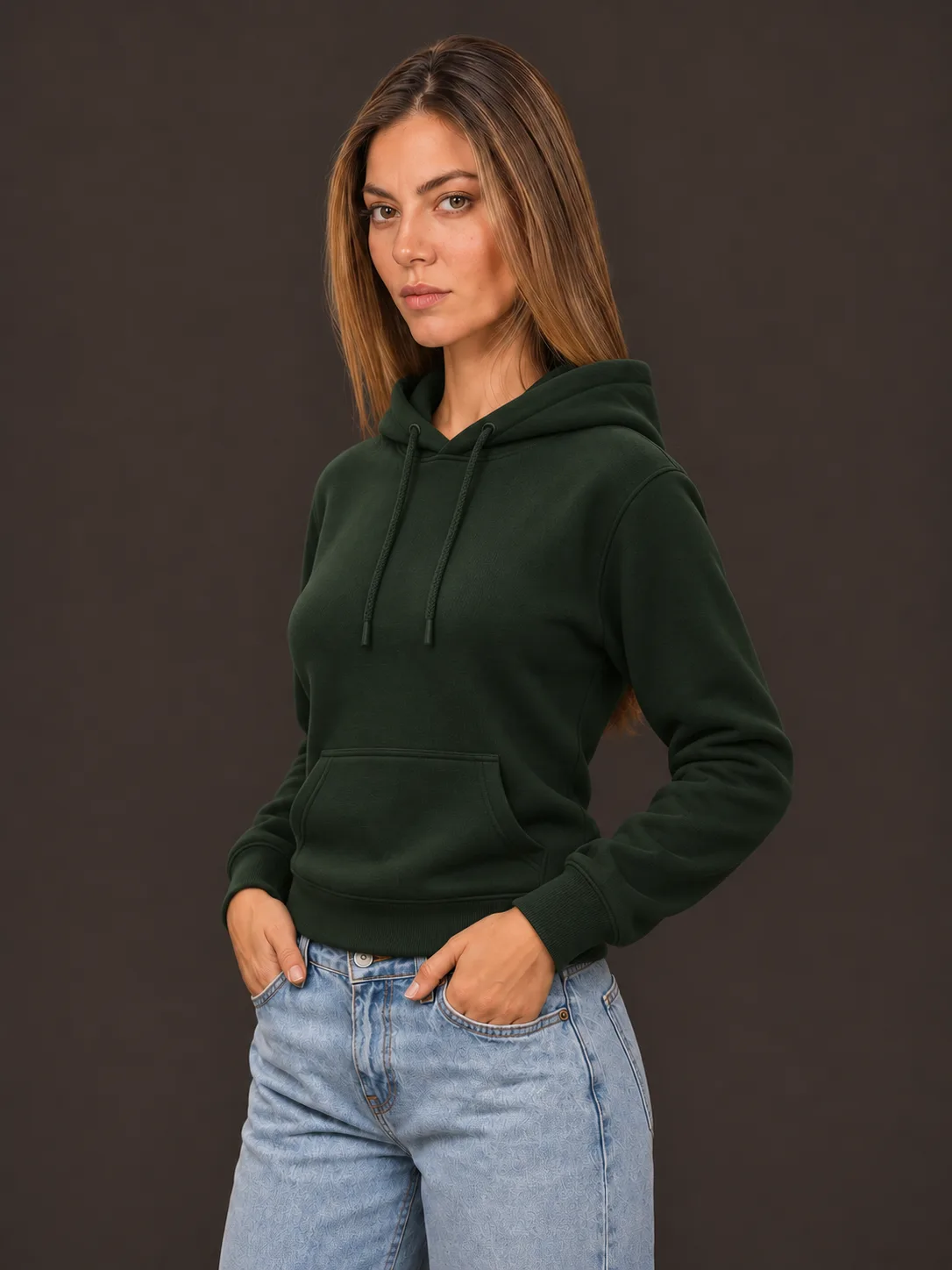 Design conceptForest green hoodie02 / 04
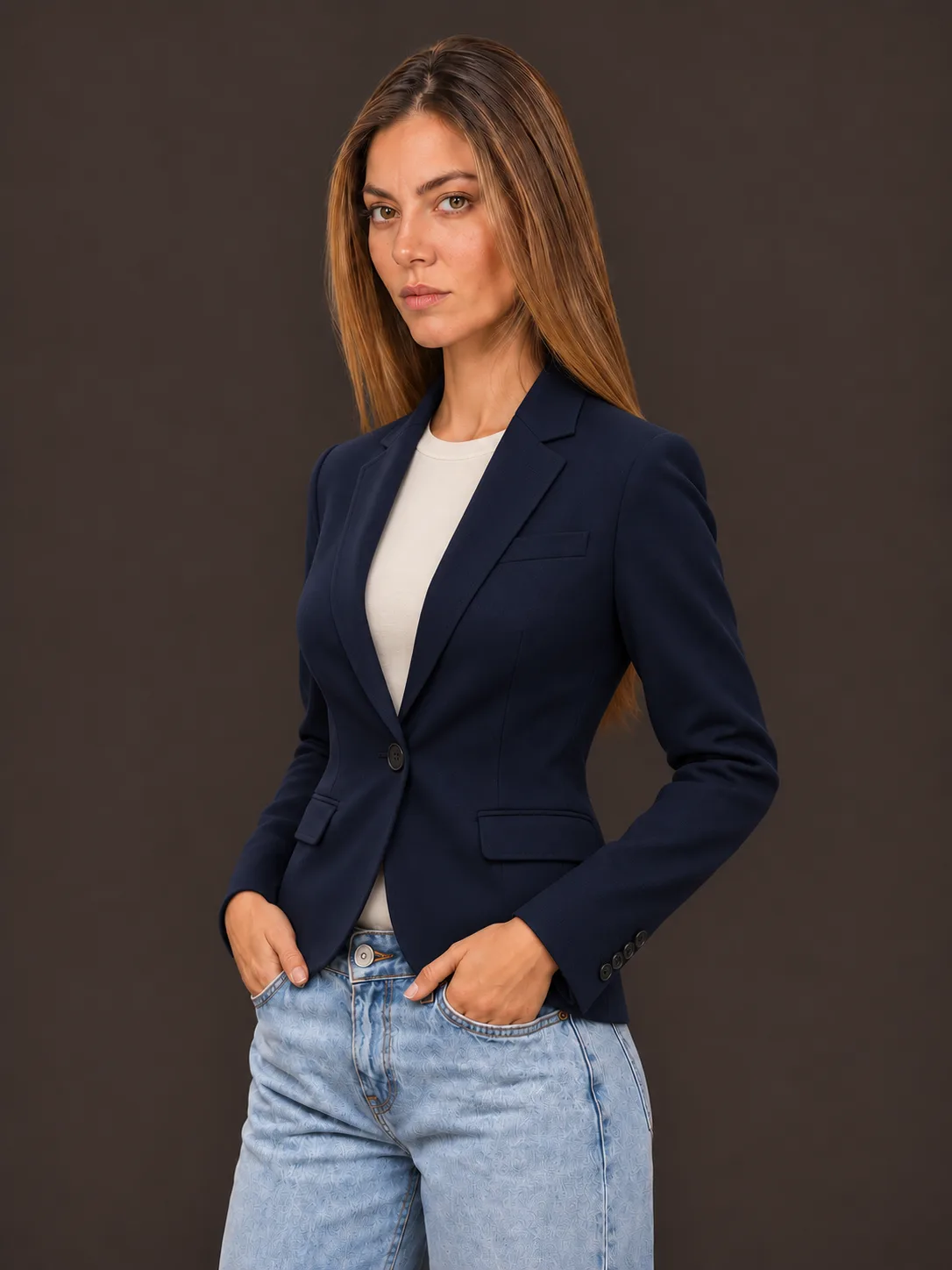 Design conceptNavy tailored blazer03 / 04
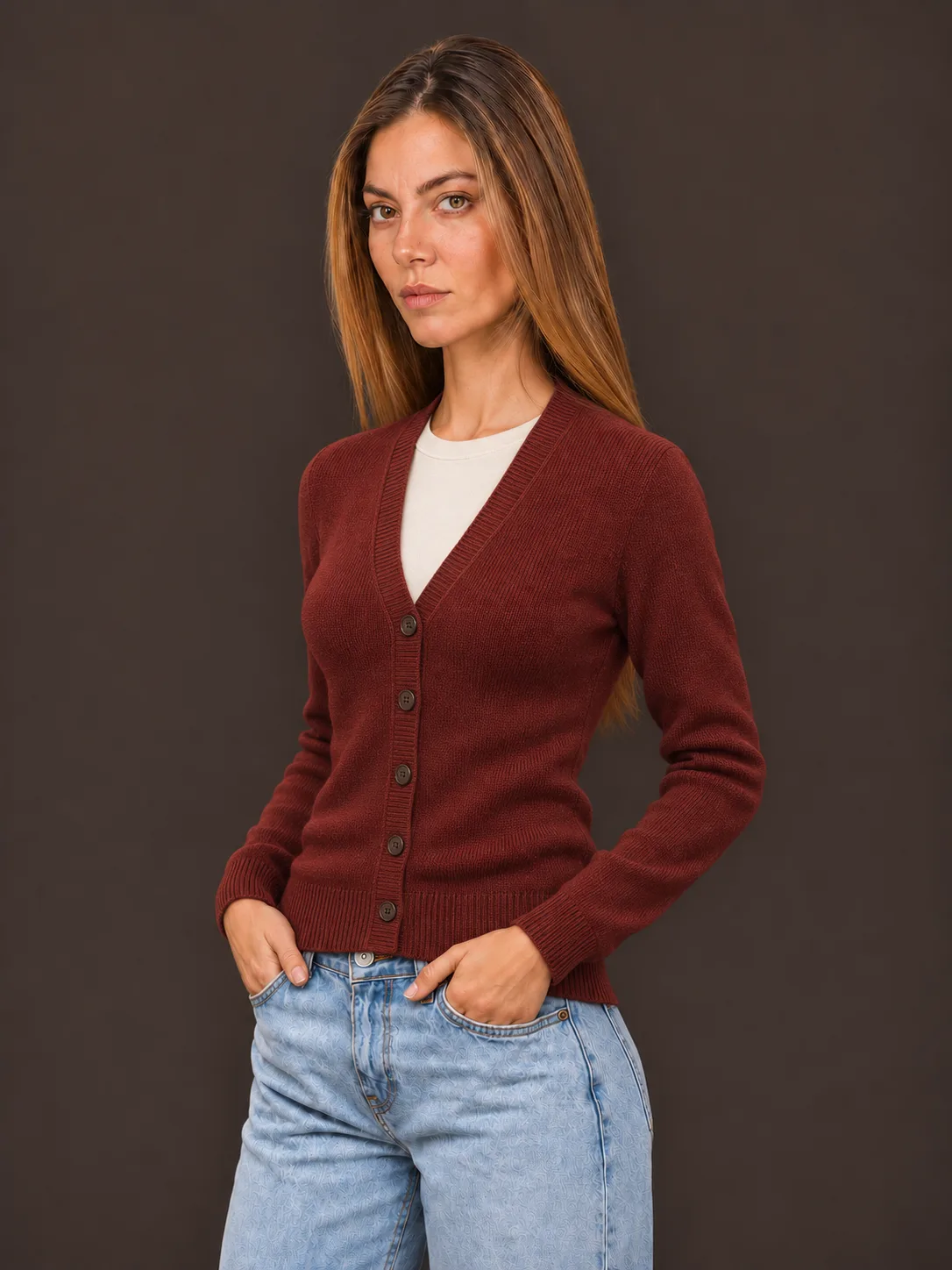 Design conceptRed knitted cardigan04 / 04
Saved images, not a live try-on.
How FITS works
Shoppers upload a photo from your product page and view an AI-generated clothing preview.
- Your product pageTry-on next to the product
Open try-on
A shopper opens FITS from the product page for the item they want to explore.
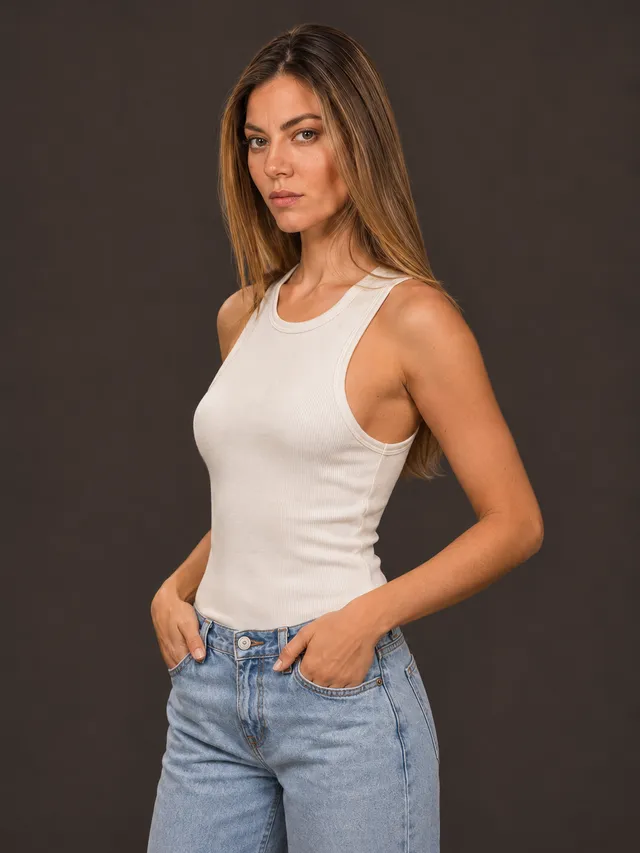 Shopper photoThe starting point
Add a photo
The shopper chooses a photo to use for the visual preview.
- AI-generated preview
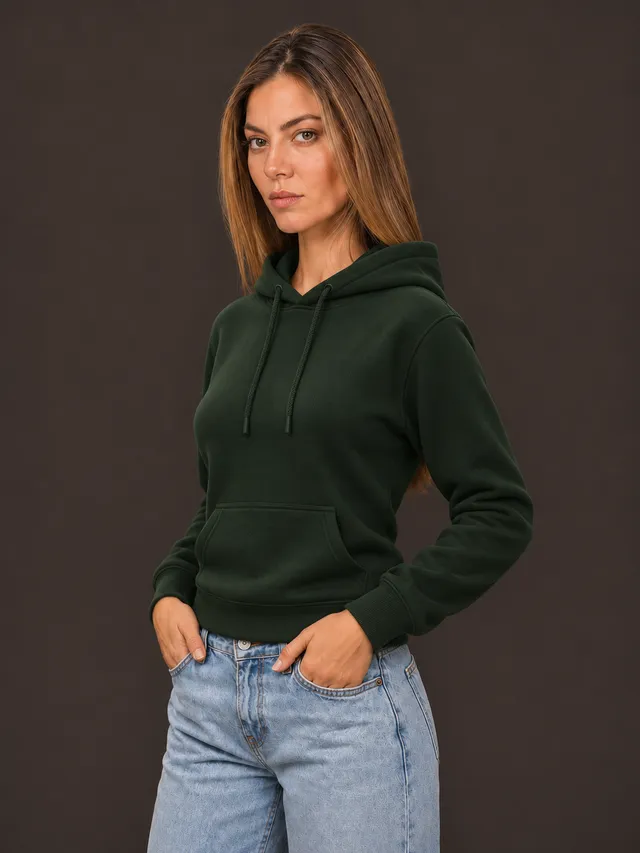
View the preview
FITS creates an AI-generated clothing preview as a visual aid, not a measurement of physical fit.
Made for your storefront
Add a Shopify theme app block, customize your try-on button, and review try-on analytics.
Their photo. Your clothing.
Shoppers upload their own photo and preview your clothing on themselves.
Right on the product page
Make virtual try-on part of the place where shoppers explore your collection.
No-code theme setup
Add FITS to your Shopify theme with theme app blocks, without writing code.
A widget that feels like you
Customize the try-on button and widget to suit your store’s design.
Desktop and mobile
Give shoppers access to virtual try-on on their phones and computers.
See how try-on is used
Review try-on activity and conversion analytics in FITS.
A product photo shows the clothing.
A visual preview helps shoppers picture the look.
See the examples
Compare the original photo, the selected garment and the preview. AI-generated previews are illustrative. Use product measurements and size charts to choose a size.
Explore the demo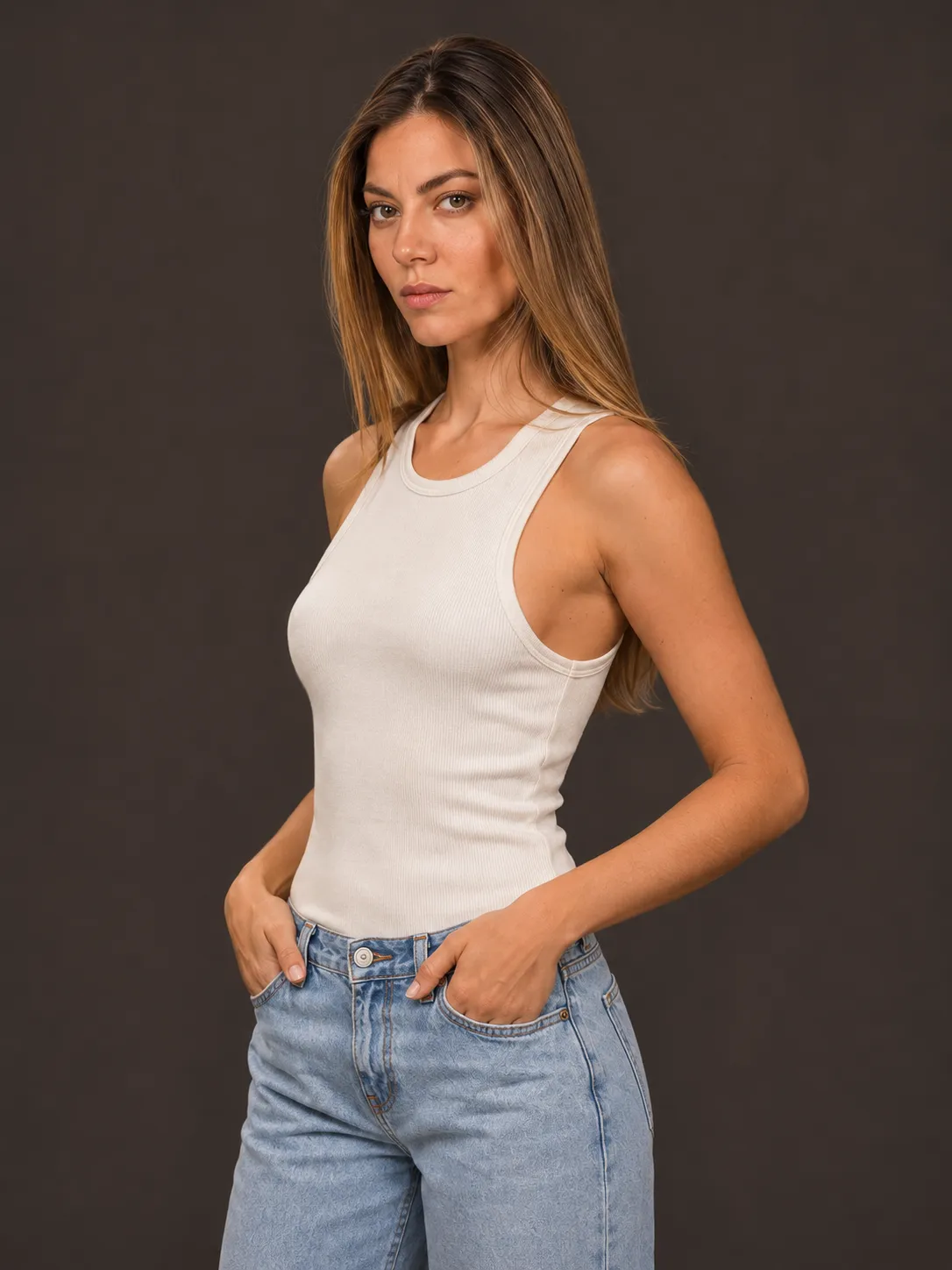 Shopper photo
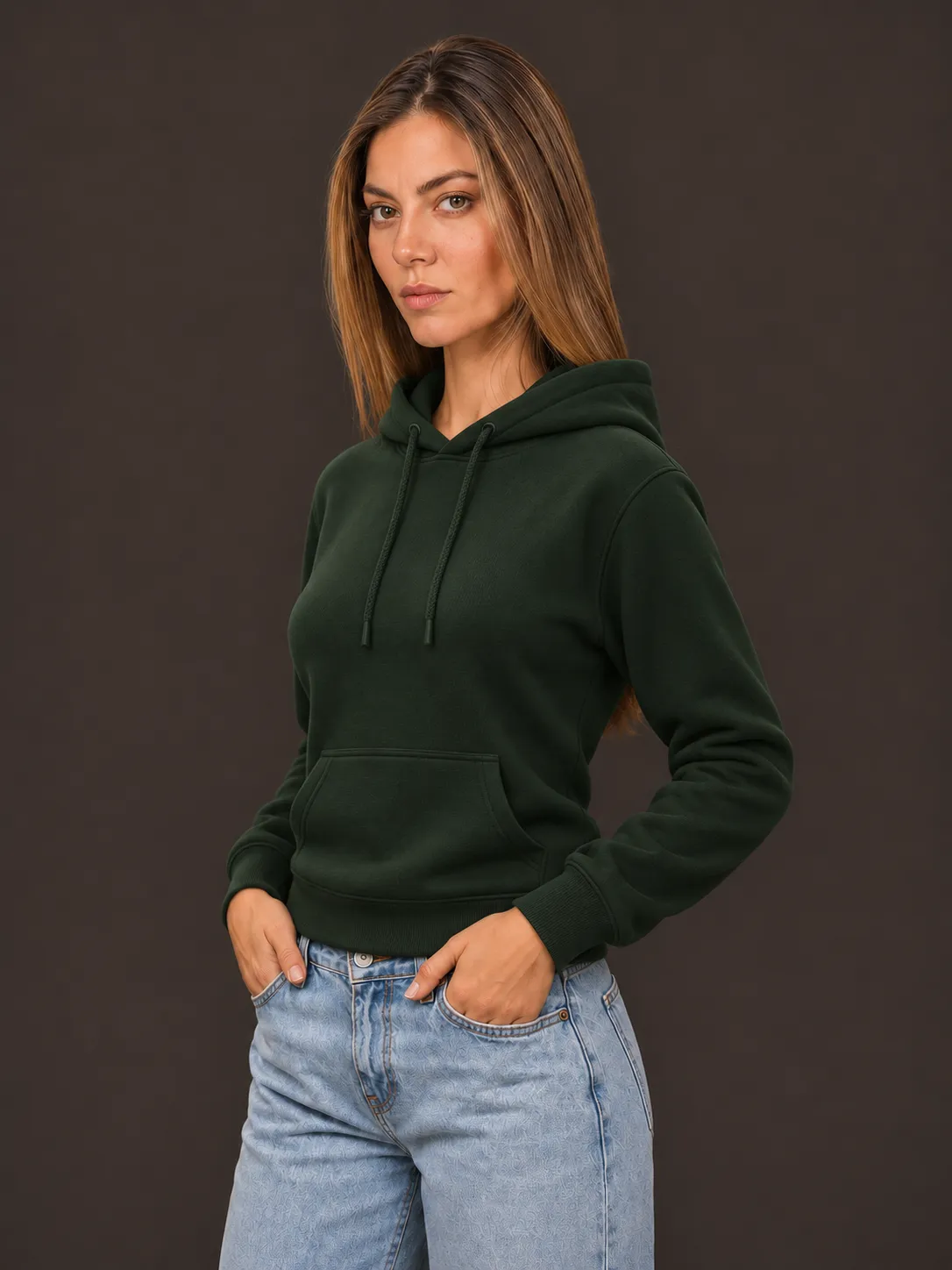 AI clothing preview
Choose your plan
Current Shopify App Store plans: Free includes 20 try-ons per month; Growth is $19 per month for 200 try-ons; Scale is $100 per month for 1,000 try-ons. Paid plans include a 7-day trial.
Pricing checked November 10, 2026. See Shopify for current plans and terms.
Virtual try-on
on your product page.
- Free: 20 try-ons / month
- Growth: $19 / month · 200 try-ons
- Scale: $100 / month · 1,000 try-ons
Questions before you install.
The practical details about adding FITS to your store.
What is a virtual try-on preview?
It is an AI-generated illustration of a garment on a person. Treat it as a visual aid, not a measurement of physical fit.
Will a preview tell me which size to buy?
Use the store’s size chart and product measurements to choose a size. Do not use the preview as a sizing guarantee.
Can I explore the experience before installing?
Open the demo to review the shopping flow before adding FITS to your store.
What happens to shoppers’ photos?
According to the FITS privacy policy, original photos are discarded after processing. Third-party AI processors may handle photos to generate the result. Read the privacy policy for details.
Where can I check current pricing and limits?
See the FITS listing on the Shopify App Store for the current plans and terms.
Bring virtual try-on to your store.
Give shoppers a visual way to explore your clothing on their own photo.